


Here are seven powerful features your team may not be using.
- Microsoft Teams Collaboration Tools
Beyond chat, Teams enables file sharing, project collaboration, and integrations.
- OneDrive File Versioning
Restore previous versions of files—ideal for mistakes or accidental deletions.
- SharePoint Document Management
Centralised document storage with controlled access.
- Power Automate
Automate repetitive tasks and workflows.
- Microsoft Planner
Simple project management for teams.
- Advanced Security Features
Includes threat protection, data loss prevention, and compliance tools.
- Multi-Device Synchronisation
Work seamlessly across desktop, mobile, and tablet.
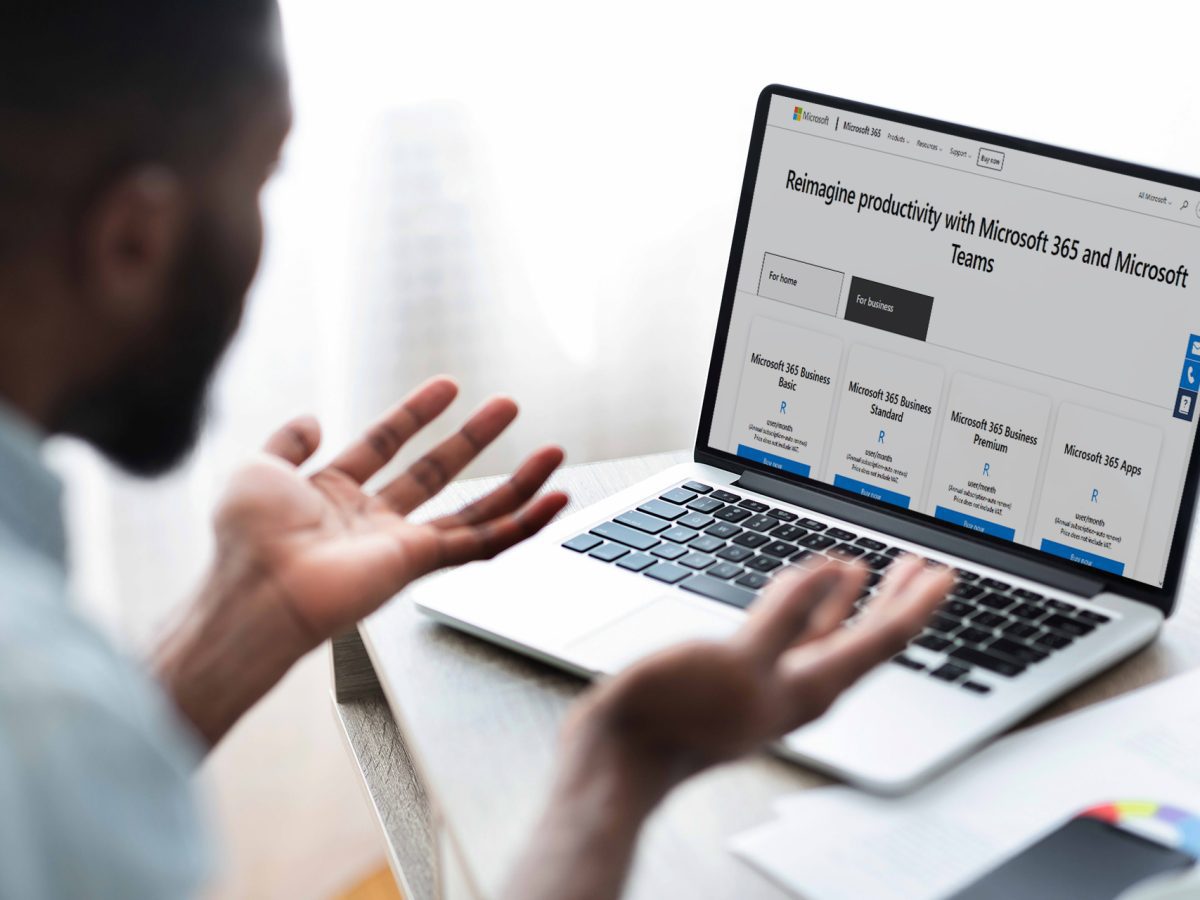
Unlock the Full Value
Many businesses pay for Microsoft 365—but don’t fully utilise it.
With the right setup and guidance, it becomes a powerful productivity and security platform.
Final Thoughts
Technology should work for your business—not the other way around.
By unlocking the full capabilities of Microsoft 365, your team can collaborate better, work smarter, and stay secure.
“Let Aesir help you get more out of your Microsoft 365 investment.”
